Manage cookies that are used for advertising, such as ad personalization, remarketing, and ad effectiveness analysis.
2.16.3. Access to backups via FTP
Attention!
Only files and directories are available via FTP. To retrieve the contents of the database, create and download a backup of it.This article describes how to get direct FTP access to automatic backups containing files and directories of a hosting account. In this way you can retrieve individual files and directories from the backup without having to create and download a backup archive.
File manager
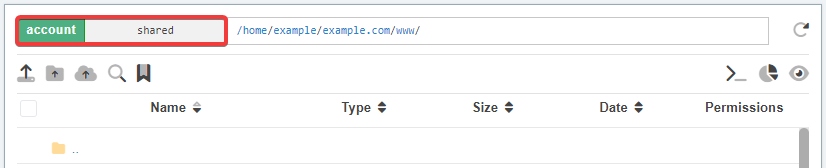
When accessing via a file manager, FTP access is automatically enabled.
Use any of the following methods:
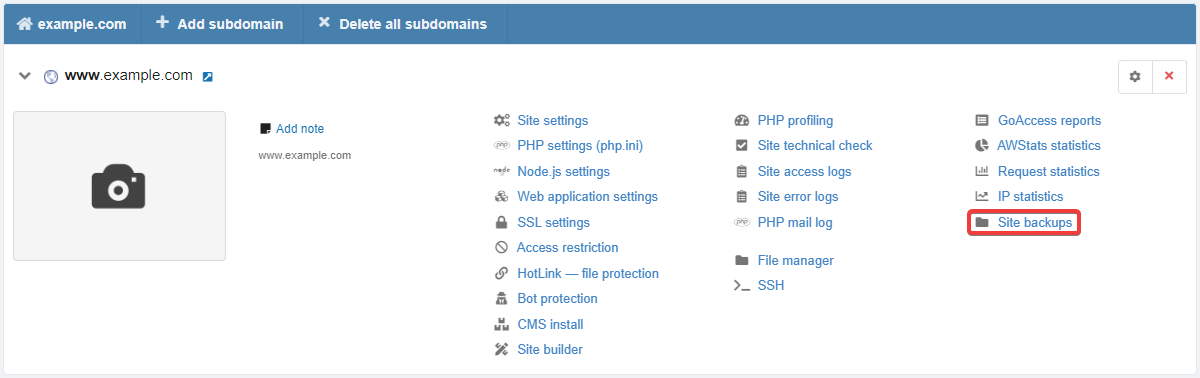

FTP client
- In the "FTP access to site backups" block, click "Enable FTP access":

- Use the obtained connection settings (server address, login and password or FTP URL) in any FTP client:
